A practical PS5 accessory guide for controllers, storage, headsets, charging, and setup upgrades that solve real problems.
Best PS5 Accessories That Are Actually Worth Buying
Affiliate disclosure: As an Amazon Associate, Money no Sofá earns from qualifying purchases.
The easiest way to overspend on a PS5 is to treat every accessory as essential. Most are not. A good accessory should remove a recurring problem: not enough storage, one controller always dead, noisy late-night gaming, too few controllers for the household, or a TV that is frequently unavailable.
This guide ranks accessories by the problem they solve rather than by how impressive they look in a setup photo.
Quick picks
Best first accessory for most households: a second DualSense—if more than one person plays or you want a charged backup.
Best practical upgrade: a compatible M.2 NVMe SSD—if you constantly delete games.
Best comfort upgrade: a good wireless headset—if you play late, share the room, or use voice chat.
Best convenience accessory: a DualSense charging station—if loose cables and dead controllers are a repeated annoyance.
Best premium accessory: DualSense Edge—only for players who actually use remapping, rear buttons, trigger stops, and profiles.
Best screen-access accessory: PlayStation Portal—if the main TV is regularly occupied.
1. Second DualSense: simple, useful, easy to justify
A second controller is one of the rare accessories that can create value immediately. It supports local multiplayer, gives shared households another controller, and means one pad can charge while the other stays in use.
If you play solo and rarely run out of battery, you do not need one on day one. But for families, couples, and anyone who hosts friends, a second DualSense is more useful than most decorative accessories combined.
COMPARE DUALSENSE CONTROLLERS →
2. M.2 NVMe SSD: buy it when storage becomes annoying
Modern games are large enough that internal storage can become a real limitation. The signal is obvious: you repeatedly delete games you still want installed, then download them again later.
PS5 supports compatible M.2 NVMe SSD expansion. Check Sony’s current technical requirements, use a heatsink, and buy from a reputable manufacturer. Speed claims beyond what the console can use are less important than compatibility, capacity, thermals, warranty, and price.
A 1TB drive is a useful expansion for lighter libraries. 2TB is the comfortable sweet spot for players who keep several big games installed. Higher capacities make sense for large collections but should be compared against cost per terabyte.
COMPARE PS5-COMPATIBLE NVME SSDs →
3. Wireless headset: buy for the room, not the RGB
A headset earns its place when it solves noise or communication. Maybe you play after other people sleep. Maybe you need a microphone. Maybe the television speakers are weak. Maybe you want more positional audio in competitive games.
Prioritize comfort, microphone quality, wireless stability, battery life, and how easily the headset switches between devices. A beautiful headset that hurts after 45 minutes is a bad accessory.
COMPARE PS5 WIRELESS HEADSETS →
Watch before you buy a premium controller
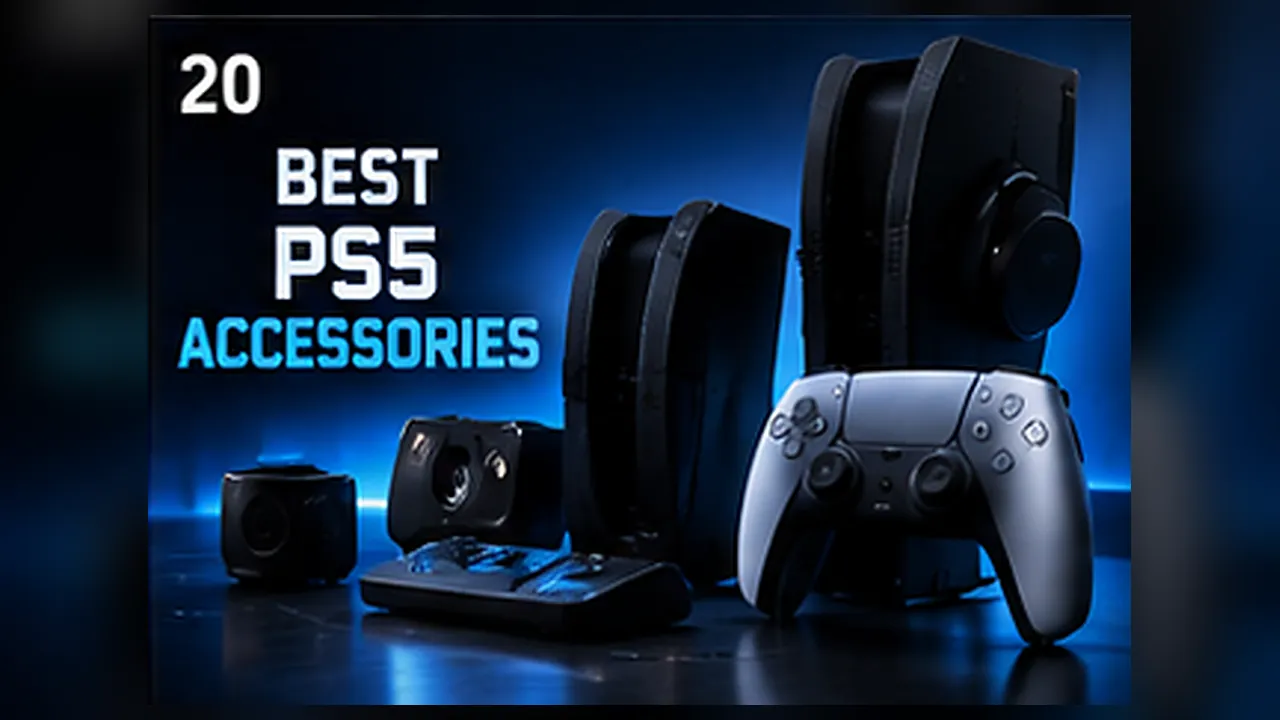
Premium accessories make sense only when their extra controls match something you already do. Watch how rear buttons, trigger stops, and profiles are used before paying for them.
4. DualSense Edge: worth it for a narrow group
DualSense Edge adds rear buttons, remapping, adjustable trigger stops, saved profiles, interchangeable stick caps, and replaceable stick modules. That can be excellent for competitive players and people who constantly customize controls.
For someone who mainly plays cinematic single-player games, the standard DualSense already provides the important PS5 features. Spending around the $200 premium-controller tier is difficult to justify if you never use the extra controls.
CHECK DUALSENSE EDGE OPTIONS →
5. Charging station: small luxury, real convenience
A charging station does not make the controller charge more intelligently than a cable. It earns its value through routine. Drop the controllers onto the dock after playing and they are ready next time.
This is worth buying if controllers regularly end up on the sofa with low batteries. If a USB-C cable already works perfectly for your setup, skip it.
COMPARE DUALSENSE CHARGING STATIONS →
6. PlayStation Portal: accessory or second screen?
Portal is expensive compared with a controller, but it solves a larger problem. If the PS5 is connected to the household’s main TV and that screen is frequently occupied, Portal can create extra gaming time without adding another television.
In 2026, Sony has expanded Portal with Cloud Streaming for supported PlayStation Plus Premium titles and a 1080p High Quality mode. That makes it more flexible than it was at launch.
Network quality remains critical. If your Wi-Fi is inconsistent, improve the network before buying a streaming accessory.
7. External USB storage: still useful, but understand the limitation
External USB drives remain useful for PS4 games and for storing PS5 games that you do not want to re-download. However, PS5 games need to run from compatible internal storage rather than a standard external USB drive.
That means an external drive is an archive and PS4-storage tool, while an internal M.2 SSD is the direct PS5 expansion.
8. Disc drive: only if your console and library need it
Some current PS5 Digital models and PS5 Pro support Sony’s compatible add-on disc drive. This can be valuable if you own physical PS4/PS5 games, buy used games, borrow discs, or want Blu-ray playback.
The economics can be better than they look because physical games can be discounted, resold, traded, or shared. A digital-only buyer who never touches discs can safely skip the expense.
CHECK PS5 DISC DRIVE OPTIONS →
9. Media remote: only for a PS5 that doubles as a media box
If your PS5 is also the family’s main Netflix, YouTube, Disney+, or Blu-ray device, a media remote can be easier than teaching everyone the controller. If streaming already happens through the TV’s own apps, the accessory is redundant.
10. Good HDMI cable: necessary, but do not overspend
You need a cable capable of the bandwidth required for 4K/120Hz and HDR. You do not need a luxury cable promising sharper digital pixels. Use the included cable or a certified Ultra High Speed HDMI cable of the correct length.
Digital video either has the required signal integrity or it does not. Expensive metallurgy does not add ray tracing.
Accessories we would skip for most people
Decorative cooling fans: the console already has engineered cooling. Keep vents clear and clean dust instead.
Huge all-in-one bundles: they often add cheap cables, stands, grips, and covers you would not buy separately.
Controller skins that interfere with fit or charging: cosmetics should not create functional problems.
Generic vertical stands without a clear need: buy for your furniture and console model, not because a setup photo looks cleaner.
Which accessory should you buy first?
Write down the two things that annoy you most about your PS5 setup. If the answer is “storage” and “dead controller,” buy an SSD and charging solution. If the answer is “the TV is always occupied,” look at Portal. If you cannot name a repeated annoyance, do not buy anything yet.
This is the best filter because it turns accessories from impulse purchases into problem-solving tools.
MNS verdict
The best PS5 accessory is the one you can explain in one sentence. “I need this because…” should have an obvious ending.
For most households, the useful order is second controller, storage, headset, charging dock, then specialist products such as Edge or Portal. Your order may be different—and that is exactly the point.
PS5 Accessories: compare the real options
Affiliate links. Compare exact model, seller, warranty, return policy and live price before buying.
FAQ
Do I need an SSD immediately?
No. Buy storage when deleting and reinstalling games becomes a repeated problem.
Is DualSense Edge necessary?
No. It is a premium specialist controller.
Is PlayStation Portal a standalone console?
No. It is built around Remote Play and supported Cloud Streaming.
Do expensive HDMI cables improve picture quality?
Not beyond meeting the required digital bandwidth and specification.
Read next
DualSense Edge vs DualSense →
PlayStation Portal Worth It? →
What to Buy Before Wolverine Launch →
VIEW ALL BEST PICKS →
The headline is only the start.
Ask Nova what this story could change in your budget, savings, debt, investments or next purchase.