A display guide for getting the most from Marvel’s Wolverine on PS5 and PS5 Pro.
Best TV for Marvel’s Wolverine on PS5
Affiliate disclosure: Money no Sofá may earn compensation from qualifying purchases made through partner links on this page.
Marvel’s Wolverine launches September 15, 2026, and its visual style makes the TV question more interesting than usual. This is a fast, cinematic action game built around dark environments, bright highlights, detailed character models, aggressive motion, and close-range combat. A television with weak contrast or slow response can flatten that presentation. A strong gaming display can make the game feel dramatically more expensive without changing the console underneath it.
The best TV for Wolverine is therefore not a “Wolverine TV.” It is a television that handles cinematic HDR and fast gaming well enough to improve your entire PS5 library.
Quick picks
Best overall for most players: LG C6 OLED. Excellent blacks, fast response, low input lag, four HDMI 2.1 ports, VRR, and 4K/120Hz support make it a strong fit for both standard PS5 and PS5 Pro.
Best premium choice: Samsung S95H OLED. It adds unusually high OLED brightness and strong glare handling, which helps if your living room gets a lot of daylight.
Best bright-room value: TCL or Hisense Mini-LED with 120Hz and VRR. These models can deliver high brightness and strong gaming features for less than flagship OLED.
Best Sony-focused choice: BRAVIA 8 II. Strong processing, Dolby Vision for movies, and Sony’s PlayStation-friendly picture features make it appealing for people who want one-brand simplicity.
Why Wolverine puts pressure on a TV
Dark scenes are one of the quickest ways to expose a weak panel. If black levels are poor, shadowy environments become gray. If local dimming is slow, bright objects can bloom into dark backgrounds. If pixel response is slow, fast camera movement creates more blur than the game itself intended.
Wolverine also appears built around fast, violent movement. That makes responsiveness more important than it would be in a slow strategy game. A low-latency Game Mode and strong motion response help your controller input and the image feel connected.
Watch the game before shopping for the screen
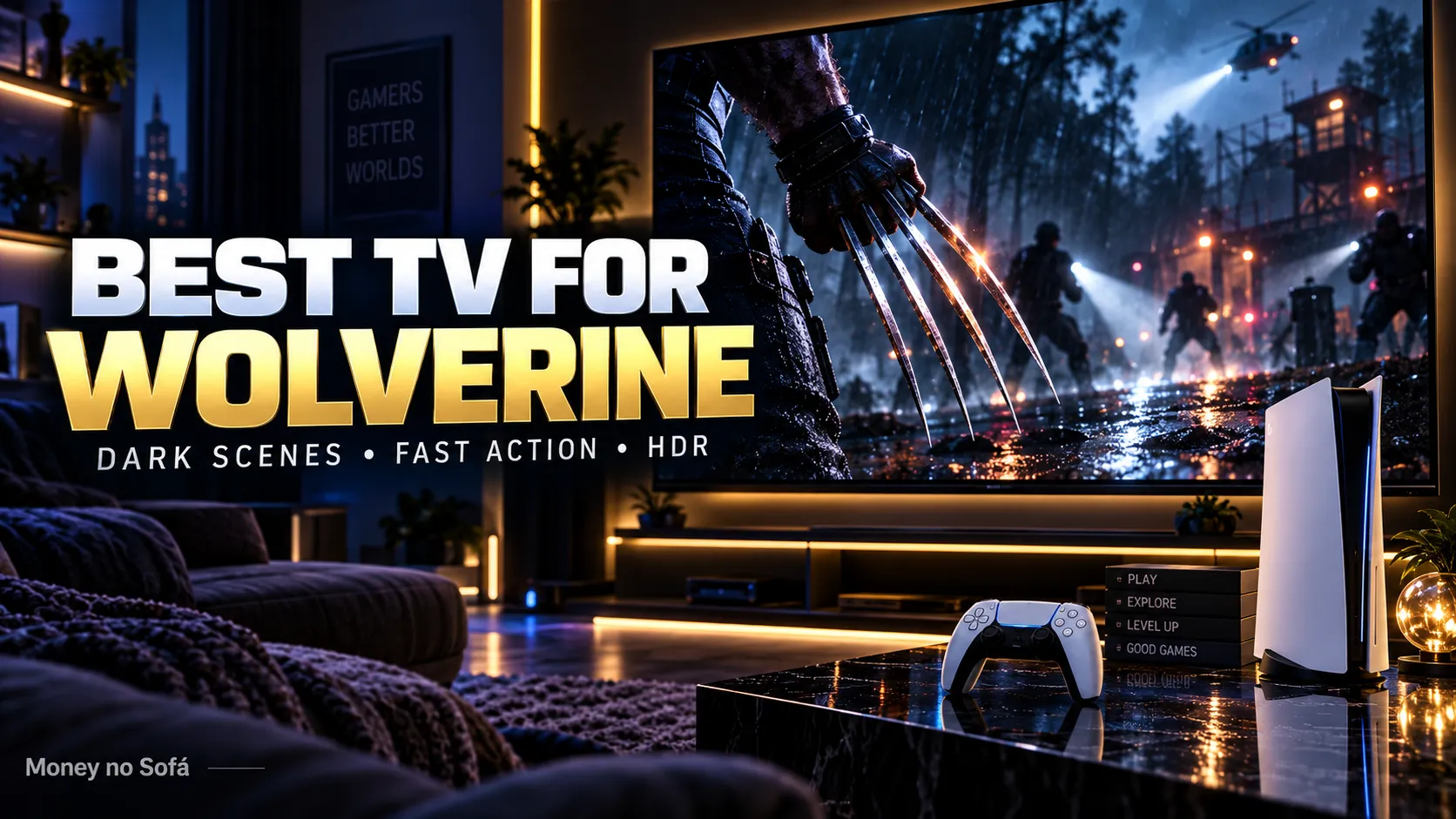
Pay attention to shadow detail, bright reflections, motion, color, and the amount of time the game spends in dark scenes. Those visual characteristics should influence the panel you buy more than a logo on the bezel.
OLED is the natural fit
OLED is especially good at the things a dark cinematic game needs. Each pixel controls its own light, so black can be truly black without a backlight glowing behind it. Fast pixel response keeps movement clean, and modern OLEDs also support the gaming features PS5 owners expect: 4K/120Hz, VRR, ALLM, and low input lag.
The LG C6 is our default recommendation because it balances those strengths well. It also includes four HDMI 2.1 ports, which matters if your setup includes a soundbar, another console, or a gaming PC.
Samsung S95H if the room is bright
The Samsung S95H is one of the strongest 2026 gaming OLEDs because it combines QD-OLED color with high brightness and an effective anti-glare surface. If your TV faces windows or you play during the day, that can be more useful than a small advantage in dark-room movie performance.
It supports four HDMI 2.1 ports and very high refresh rates for PC sources. PS5 Pro only needs up to 120Hz, so the extra rate is not essential, but the panel’s brightness and color can make HDR highlights pop.
The limitation is Dolby Vision. Samsung does not support it. That does not hurt PS5 HDR gaming, but it matters for some streaming and movie content.
Mini-LED may be smarter than OLED in your room
OLED gets the enthusiast headlines, but Mini-LED can be the more practical purchase if you have direct sunlight, leave static content on screen for long periods, or want very high brightness. A strong Mini-LED can still provide deep blacks, impactful HDR, 120Hz, and VRR while avoiding OLED’s long-term image-retention concerns.
TCL and Hisense often deliver aggressive value in this category. The important part is to check the exact model. Some TVs in the same brand family have very different numbers of dimming zones, HDMI ports, and refresh-rate capabilities.
What PS5 and PS5 Pro actually need from the TV
120Hz panel: gives compatible games access to 120 fps modes.
VRR: smooths frame-rate fluctuations and reduces tearing.
Low input lag: keeps close combat responsive.
HDR10 performance: PS5 uses HDR10 for games, so actual brightness and black level matter more than the number of HDR logos.
HDMI 2.1: required for the highest-bandwidth 4K/120Hz modes and useful for future-proofing the setup.
Does PS5 Pro change the TV recommendation?
It raises the importance of the TV. PS5 Pro’s stronger graphics hardware and PSSR reconstruction are designed to produce a cleaner, more stable high-performance image. A television with better motion, contrast, and HDR gives those improvements more room to show.
But the basic requirements are the same for a standard PS5. You do not need a special Pro-only television. A good 4K/120Hz gaming TV improves both consoles.
What size should you buy?
For many living rooms, 65 inches is the sweet spot. It gives a cinematic field of view without the price jump and wall space of 77 or 83 inches. A 55-inch TV still makes sense at closer seating distances or in apartments.
The best way to decide is to measure your viewing distance before shopping. Buying a tiny premium panel and sitting far away wastes some of the detail you paid for.
Do you need 8K?
No. A better 4K panel is a smarter Wolverine purchase than a mediocre 8K panel. Contrast, HDR, response time, and processing affect the image every minute. Native 8K game content remains niche.
Should you buy a soundbar instead?
If your current TV already looks good but feels flat during action scenes, audio may be the real bottleneck. A soundbar with a subwoofer can add weight to combat, environmental sound, and cinematic moments at a lower cost than replacing a good panel.
This is classic upgrade math: fix the weakest part of the system first.
OLED burn-in and long gaming sessions
Modern OLED televisions include protection features, and mixed use lowers risk. Still, games can display static HUD elements for hours. If one title, sports channel, or news feed sits on screen all day, Mini-LED deserves consideration.
For normal mixed gaming and entertainment, burn-in should be treated as a factor—not a reason to avoid OLED automatically.
What we would buy for Wolverine
In a dark or mixed-light room, we would compare the LG C6 against any discounted LG C5 or Samsung S90/S95 model available at a strong price. In a bright room, we would compare the Samsung S95H against a premium Mini-LED before deciding.
If your current TV already supports 4K/120Hz, VRR, good HDR, and low input lag, we would not replace it just for one game.
MNS verdict
LG C6 is the safest all-round recommendation for Marvel’s Wolverine. Samsung S95H is the premium choice for brighter rooms. A good Mini-LED is the value alternative when brightness matters more than OLED black levels.
Buy the screen for your next five years of games and movies, not for your next five days of launch hype.
COMPARE GAMING TVs ON AMAZON →
FAQ
Does Wolverine run at 120 fps?
Final supported modes should be confirmed from the retail build. A 120Hz TV is still useful across the wider PS5 library.
Is OLED required for Wolverine?
No. A good Mini-LED or other high-quality 4K gaming TV can also deliver an excellent experience.
Does PS5 support Dolby Vision gaming?
No. Focus on HDR10 performance for PlayStation games.
Read next
Best OLED TV for PS5 Pro →
Is PS5 Pro Worth It for Wolverine? →
VIEW ALL BEST PICKS →
The headline is only the start.
Ask Nova what this story could change in your budget, savings, debt, investments or next purchase.